TIFF Viewer
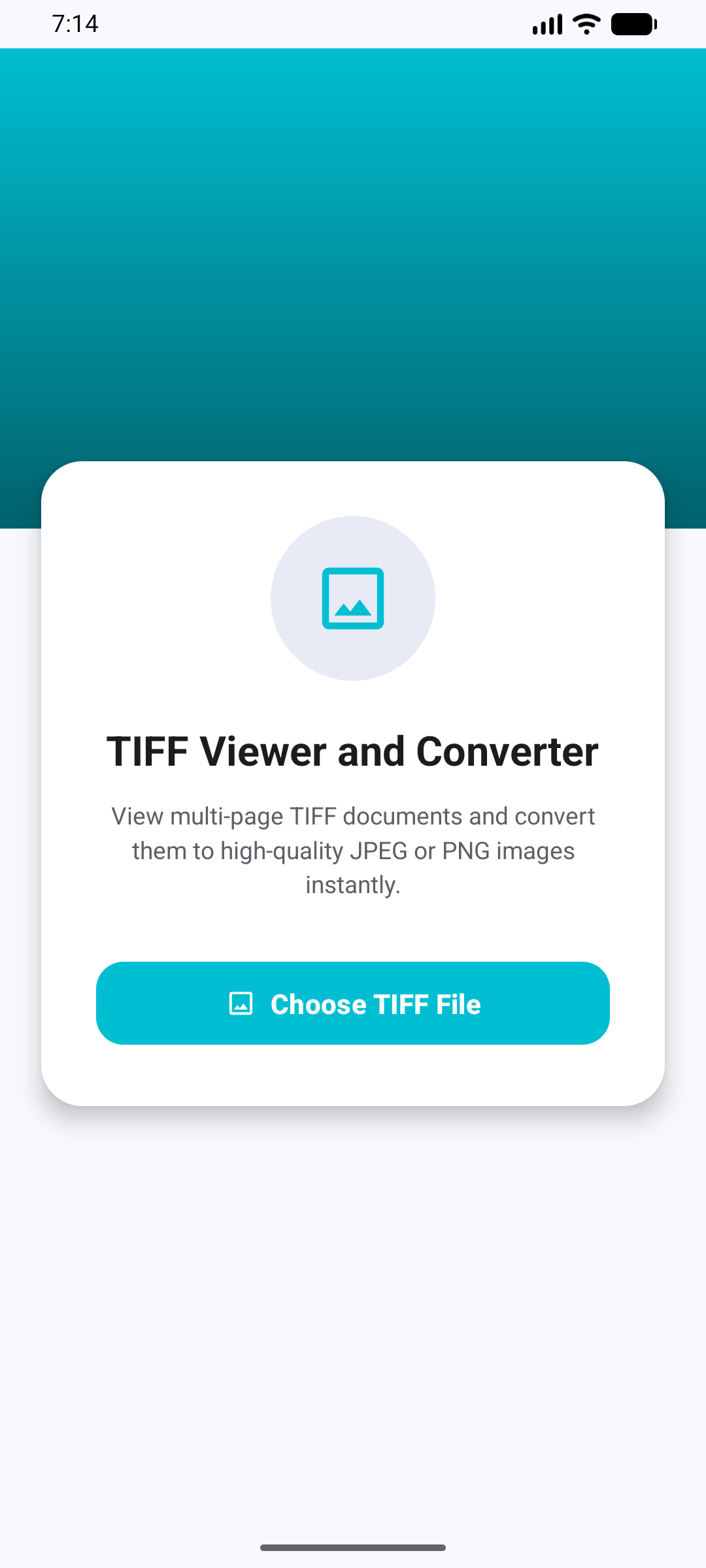
View and convert multi-page TIFF files to high-quality JPG or PNG instantly.
About the App
TIFF Viewer and Converter is a fast, lightweight, and powerful tool designed to open, view, and convert TIFF images with ease. Whether you are dealing with single-page graphics or complex, multi-page TIFF documents, this app provides a seamless viewing and converting experience directly on your Android device.
🌟 Key Features:
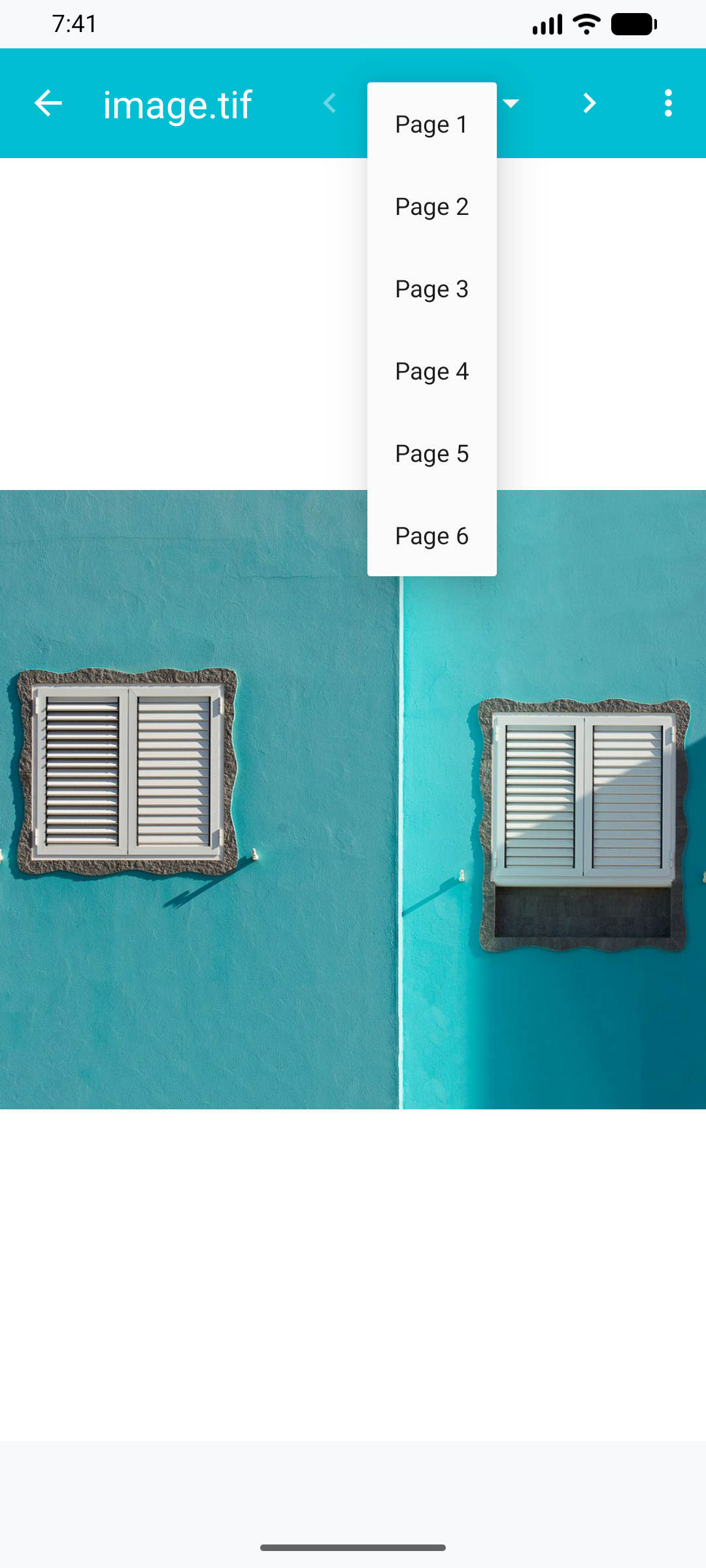
Multi-Page TIFF Support: Easily open and navigate through multi-page TIFF documents. Switch between pages quickly using the intuitive page selector dropdown or navigation arrows.
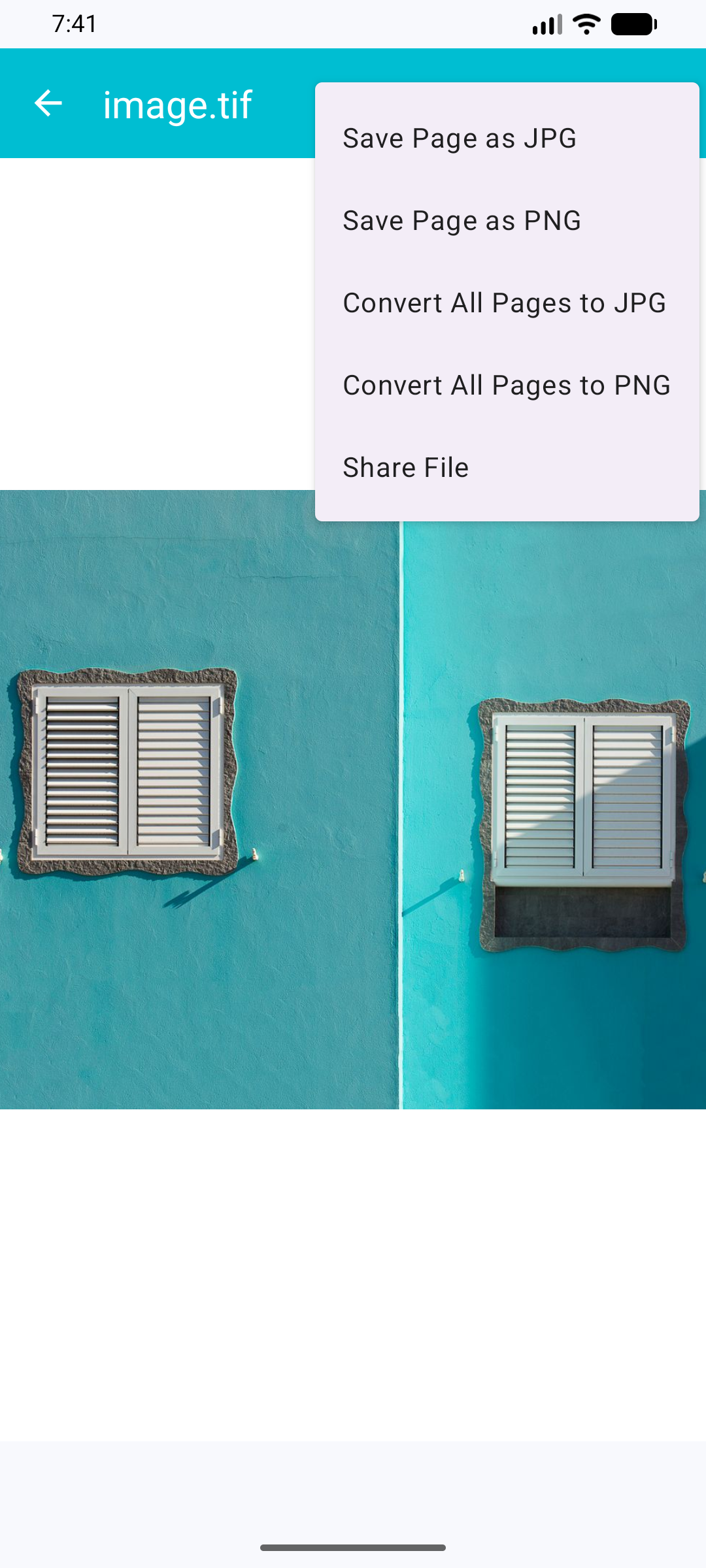
High-Quality Conversion: Convert individual pages or entire multi-page TIFF files into high-quality JPG or PNG formats with just a single tap.
Smooth Zoom & Pan: Pinch to zoom and pan around large or highly detailed images to inspect every detail clearly.
Effortless File Sharing: Share your original TIFF files or the converted JPG/PNG images instantly via email, messaging apps, or cloud storage.
User-Friendly Interface: Enjoy a clean, modern, and uncluttered design that focuses entirely on your viewing and converting needs.
📂 How it Works:
1. Tap "Choose TIFF File" to select a file from your device storage.
2. View your document, navigate through pages, and zoom in/out as needed.
3. Open the menu to Save Page as JPG/PNG or Convert All Pages at once.
4. Share or access your converted images instantly from your gallery.
Download TIFF Viewer and Converter today and manage your TIFF files on the go without any hassle!
How to Open and Convert TIFF Files on Android (Quick & Easy Guide)
Have you ever tried opening a .tiff or .tif file on your Android device, only to be met with an "Unsupported file format" error? You are not alone.
While TIFF files are highly valued by professional photographers, graphic designers, and document archivists for their uncompressed, high-quality data, most default mobile operating systems simply don’t know how to handle them. This becomes even more frustrating when you are dealing with multi-page TIFF documents like scanned contracts, invoices, or blueprints.
In this quick guide, we’ll look at what TIFF files are and show you the easiest, lightweight way to view and convert them directly on your smartphone.
What is a TIFF File and Why is it Hard to Open on Mobile?
TIFF stands for Tagged Image File Format. Unlike standard JPEGs, TIFF files can store high-quality graphics and multiple images within a single file (multi-page documents). Because they preserve maximum detail without compression artifacts, file sizes can be massive.
Most native Android gallery apps are optimized for quick, compressed web formats like JPEG, PNG, and WebP. When you throw a heavy, multi-page TIFF file at them, they usually crash, slow down your device, or refuse to open it altogether.
The Solution: How to View Multi-Page TIFFs on Android Instantly
You don't need to transfer files to a desktop computer just to look at a scanned document. You just need a dedicated, lightweight utility app.
Our TIFF Viewer for Android was built to solve exactly this problem. Instead of bloating your phone with heavy editing software, it focuses on doing two things perfectly: instant viewing and seamless conversion.
Here is how it simplifies your workflow:
- Multi-Page Support: Easily flip through complex, multi-page TIFF documents just like reading an e-book.
- High-Resolution Rendering: Zoom in to read small text, blueprints, or fine details without losing sharpness.
- Super Fast Loading: Optimized native engine ensures that even large file sizes open smoothly without freezing your device.
Bonus: Convert TIFF to JPG or PNG in Seconds
Sometimes, viewing the file isn't enough. You might need to share that scanned document with a colleague via WhatsApp, email, or Slack, where TIFF formats aren't supported or are too heavy to upload.
Inside the app, you can convert any TIFF file (or specific pages) into high-quality JPG or PNG formats instantly. The converted images are saved directly to your gallery, completely ready to be shared anywhere.
Screenshots